Every writer has been there — you’ve crafted the perfect tweet, product description, or meta title, only to hit “post” and get slapped with an error: too long. That’s where a character counter earns its keep. It’s one of those small, unglamorous tools that quietly saves you from rewriting a caption for the fifth time or getting your headline cut off in Google’s search results.
This guide breaks down what a character counter actually does, why it matters more than people think, and how it applies to everything from Twitter posts to Chinese text to a surprisingly fun detour through Sesame Street.
What Is a Character Counter, Really?
At its core, a character counter does exactly what it sounds like — it counts the number of characters in a block of text. But “characters” isn’t as simple a concept as it seems.
A good character counter tracks:
- Total characters (including spaces and punctuation)
- Characters without spaces
- Word count alongside character count
- Sentence and paragraph counts in more advanced tools
- Character limits for specific platforms (SMS, Twitter/X, meta descriptions, etc.)
The reason character counts matter so much comes down to constraints. Platforms like Twitter, Google search results, and SMS messaging all impose hard limits on text length — not because they’re being difficult, but because of how these systems were engineered to display or transmit information efficiently.
Why Character Counts Matter More Than You’d Think
If you write online — blog posts, ads, product listings, social captions — character limits shape your work whether you notice them or not.
SEO and metadata. Google typically displays somewhere around 50–60 characters of a page title and roughly 150–160 characters of a meta description before truncating with “…”. Go over, and your carefully written copy gets chopped off mid-sentence in search results. This is precisely the kind of technical detail that separates content written by someone who understands search behavior from content that just guesses.
Social media. Every platform has its own rulebook. Go past the limit, and your post either gets rejected or truncated in a way that kills the message.
Academic and professional writing. Essay prompts, resumes, LinkedIn summaries, and application forms often specify strict character limits, not word limits — because character counts are more precise and harder to game.
Translation and localization. This is where things get genuinely tricky, and it’s worth its own section.
The Twitter Character Counter Problem
A Twitter character counter used to be dead simple: 140 characters, no exceptions. Then X (formerly Twitter) doubled that limit to 280 characters for most users, and things got more nuanced from there — verified or premium accounts can post significantly longer threads-as-single-posts, links and mentions count differently than plain text, and emojis can quietly eat up more of your limit than a single glance suggests.
This is exactly why a dedicated Twitter character counter is still useful even though the platform shows its own live counter while you type. People often draft posts elsewhere — in a notes app, a Word doc, a Google Doc — long before they open the app to post them. A standalone counter lets you check your draft’s length before you even open Twitter/X, catching the “16 characters over” problem before it becomes a scramble to cut words at 11 p.m.
Chinese Character Counter: A Different Kind of Math
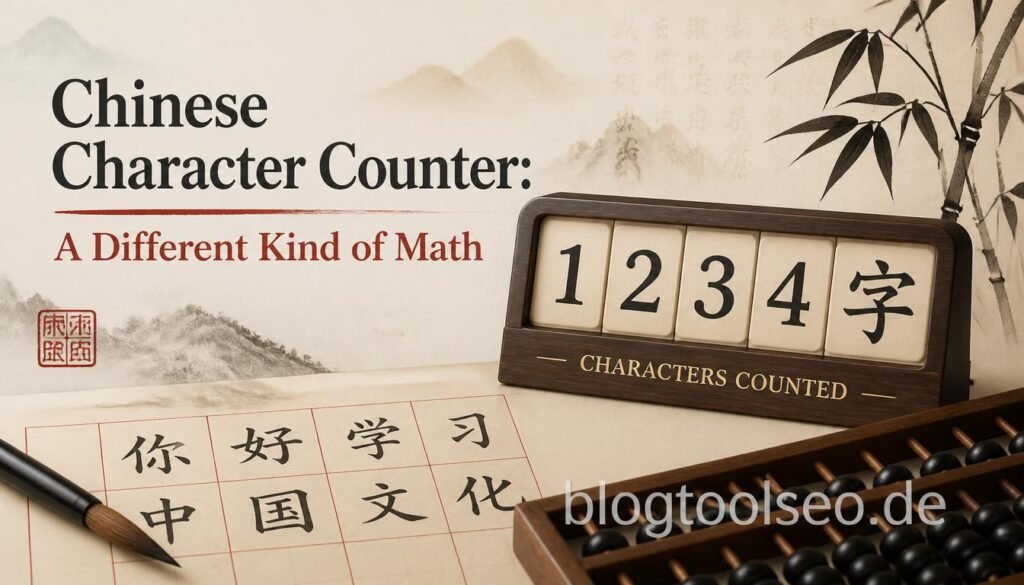
Here’s where character counting gets genuinely interesting from a linguistic standpoint. In English, a “character” is a letter, digit, space, or punctuation mark. In Chinese, a single character (汉字/漢字) can represent an entire word or concept — meaning a Chinese character counter isn’t just counting symbols, it’s essentially counting meaning-units.
This has real consequences:
- A sentence that takes 20 English characters to say might take 6–8 Chinese characters to say the same thing.
- Platforms with character limits (like Weibo’s original 140-character cap, mirroring old Twitter) effectively allow far more information density in Chinese than in English, because each character carries more semantic weight.
- Translators and localization teams rely heavily on accurate Chinese character counters when adapting English content, because a literal word-for-word length comparison is meaningless — you have to count by character, not by “word,” since Chinese doesn’t use spaces between words the way English does.
If you’re localizing content, building bilingual product listings, or just curious how a paragraph “shrinks” when translated, a character counter built to correctly parse CJK (Chinese-Japanese-Korean) text — rather than just splitting by spaces — is essential. A tool that miscounts multi-byte characters will give you numbers that are flatly wrong, not just slightly off.
A Fun Detour: Sesame Street Characters Count — Dracula
Now for something lighter. If you’ve ever typed “sesame street characters count dracula” into a search bar, you were probably thinking of Count von Count — the purple, cape-wearing, thunder-and-lightning-loving vampire from Sesame Street, whose entire character is based on compulsive counting. “One! Two! Three! Ah, ah, ah!” is arguably one of the most recognizable pieces of children’s television ever produced.
The Count is a gentle parody of Bram Stoker’s Dracula — the cape, the accent, the dramatic flair — reworked into a character whose “villainy” is simply an uncontrollable love of numbers. He’s been teaching kids basic counting and numeracy since Sesame Street’s early seasons, making him arguably the most famous fictional “counter” in pop culture.
It’s a fun bit of trivia, but there’s actually a neat parallel here: just like the Count turns something as mundane as counting into something memorable, a good character counter tool turns a boring technical necessity (fitting text into a limit) into something almost effortless — you paste your text, glance at a number, and move on with your day.
How to Use a Character Counter Effectively
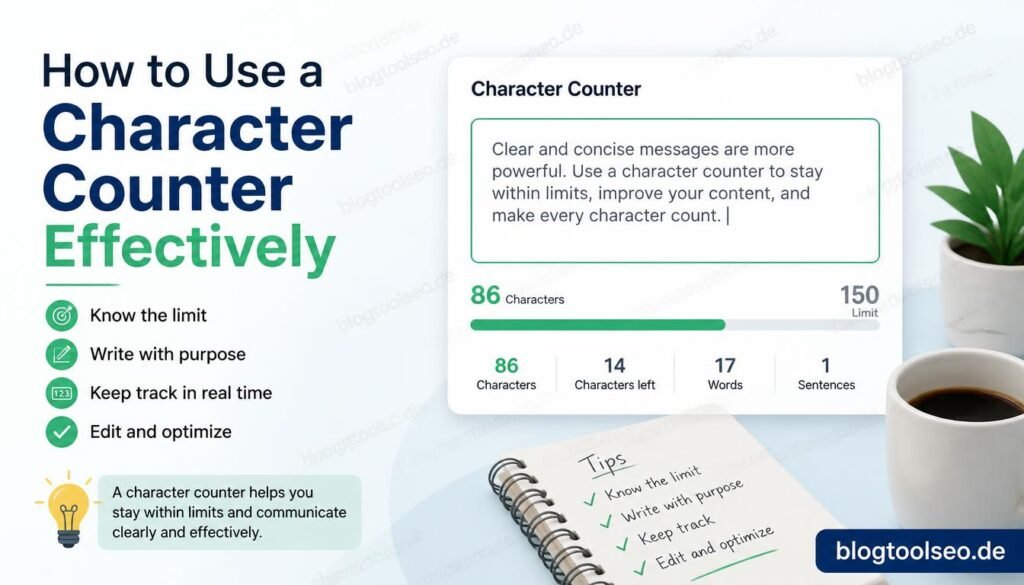
A few practical habits that make character counters more useful than just a passive number on a screen:
- Check limits before you write, not after. If you know Twitter/X gives you 280 characters or a meta description needs to stay under 160, draft with that ceiling in mind rather than writing freely and cutting later.
- Watch for characters without spaces too. Some platforms and forms count spaces differently, or not at all — always check which number a form is actually validating against.
- Don’t forget punctuation and emojis. Emojis, in particular, can count as more than one character depending on the platform’s encoding, especially compound emojis (like a family emoji, which is technically several characters joined together).
- For multilingual content, use a tool built for it. As covered above, a generic space-splitting counter won’t handle Chinese, Japanese, Korean, or Arabic text correctly.
- Use it for SEO, not just social media. Running your title tags and meta descriptions through a character counter before publishing is a five-second habit that prevents truncated, ugly-looking search results.
Final Thoughts
A character counter looks like the simplest tool on the internet — and in a sense, it is. But the reasoning behind why it matters touches SEO, social media strategy, translation, linguistics, and even nostalgia (thanks, Count von Count). Whether you’re trimming a tweet, polishing a meta description, or figuring out how a paragraph of English shrinks down in Chinese, a reliable character counter is one of those tools you don’t think about — until the one time you really need it.