Quick answer: A word counter is a tool that instantly calculates the number of words, characters, sentences, and paragraphs in a piece of text. It’s used for meeting essay limits, checking Google Docs counts, and handling multilingual content like German, Chinese, and Hindi, where “word” doesn’t always mean what English speakers expect.
Why This Guide Is Different
Most word counter guides repeat the same three lines about pasting text into a box. This one goes further: it covers how word counting actually breaks down across languages that don’t use spaces the way English does, how platforms like Google Docs and the Common App enforce limits behind the scenes, and where people commonly get tripped up. Every section below is written to directly answer a specific question, so you can jump to the part you need or read straight through.
What Is a Word Counter?
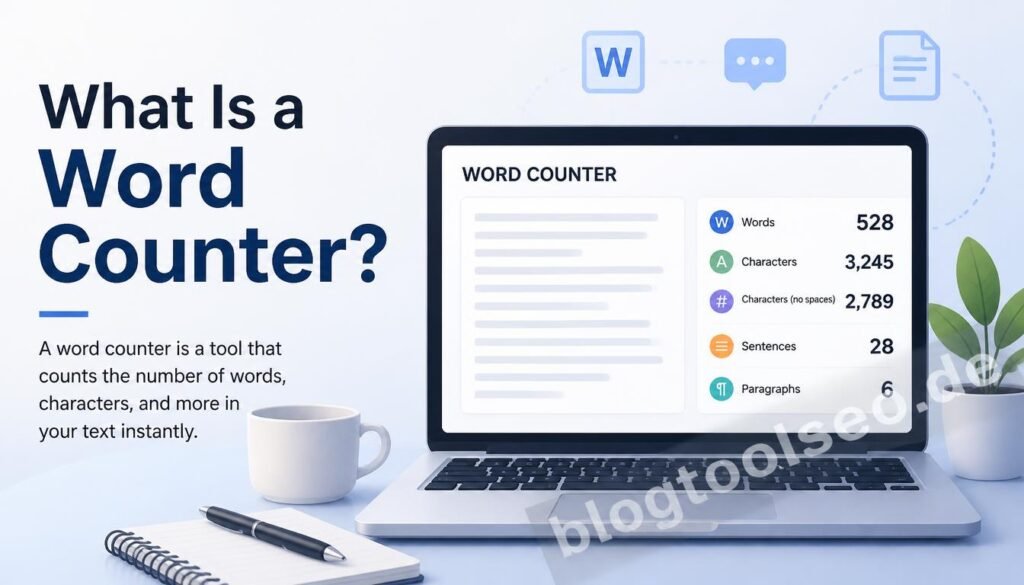
A word counter is software — usually a simple web tool — that scans a block of text and returns statistics about it: total words, characters (with and without spaces), sentences, paragraphs, and often an estimated reading time. You type or paste content in, and the numbers update immediately.
The core mechanism is straightforward for English: the tool counts sequences of characters separated by spaces or punctuation as individual “words.” That mechanism gets more complicated the moment you’re working in a language that doesn’t rely on spaces to separate words — which is covered in detail below.
Common use cases:
- Meeting a strict word limit on an application or essay
- Checking that a blog post or article matches an SEO target length
- Verifying a cover letter or resume summary isn’t running too long
- Estimating reading time for content
- Comparing translated text length against the original
How to Show Word Count on Google Docs (Step-by-Step)
Google Docs has a native word counter that’s easy to overlook. Here’s exactly where to find it and how to make it stay visible while you type.
To check word count on demand:
- Open your document.
- Click Tools in the menu bar.
- Select Word count.
- A window appears with your total word count, character count (with and without spaces), and page count.
To display word count live, while typing:
- Go to Tools > Word count.
- Check the box labeled “Display word count while typing.”
- A small live counter appears in the bottom-left corner of the page and updates as you type — no need to reopen the menu.
To check the count for just part of your document: Highlight the specific text first, then open Tools > Word count. The pop-up will show the count for your selection instead of the full document — useful when you only need to verify one paragraph or section against a limit.
On the Google Docs mobile app, the process is slightly different: tap the three-dot menu in the top-right corner and select Word count from the list. Mobile doesn’t currently support the live, while-typing display that desktop does, so you’ll need to check it manually as you edit.
Word Counting Isn’t the Same in Every Language
This is the part that trips up even experienced writers and translators: “word count” is not a universal concept. It depends heavily on how a language is written.
Word Counter for German
German frequently combines multiple concepts into single compound words — for example, stacking “life,” “insurance,” and “company” into one unbroken word instead of three separate ones. A word counter German users can rely on has to account for this, because a page of German text will often show a lower word count than an equivalent English page, even though it contains a comparable amount of information. If you’re comparing translated documents across English and German, don’t be alarmed if the numbers don’t match — that’s expected, not an error.
Word Count Chinese and the Chinese Word Counter Problem
Chinese text doesn’t use spaces between words at all, which means a standard space-based counting method simply doesn’t work. This is the single biggest technical challenge in word count Chinese tools. There are two common approaches:
- Character counting, which counts every individual character — this is usually the more meaningful measurement in Chinese-language publishing, education, and translation work.
- Word segmentation, which uses language-aware logic to estimate where word boundaries fall, since multiple characters often combine to form a single word or concept.
A reliable Chinese word counter typically shows both numbers side by side, because relying on just one can be misleading depending on what you’re using the count for.
Hindi Word Counter Considerations
Hindi, written in Devanagari script, does use spaces between words, which puts it closer to English in structure than Chinese. However, generic tools built primarily for Latin-script text can miscount Devanagari due to conjunct consonants and vowel signs (matras) that visually combine multiple characters into a single unit. A properly built Hindi word counter parses these correctly, giving an accurate word and character count for students, content writers, and professionals working in Hindi.
The practical rule: if you’re writing in a language other than English, use a counter designed for that script specifically, rather than assuming a generic tool will handle it correctly.
Common App Essay Word Count: What You’re Actually Working With
The Common App essay word count limit is a hard cap of 650 words, with a recommended floor of 250 words. This isn’t a soft guideline — the Common Application platform will not accept a submission over 650 words.
A workflow that avoids last-minute panic:
- Write the full draft in a separate document, ignoring the limit at first.
- Paste it into a word counter to see your actual number.
- Cut repeated ideas, over-long setup, and filler transitions before trimming individual sentences.
- Recheck after every edit — removing 100 words often changes the essay’s pacing more than expected, so a fresh read-through after cutting matters.
Most strong essays land in the 500–650 range: long enough to develop a real story with a clear arc, short enough that every sentence has to earn its place.
What to Look for in a Word Counter Online
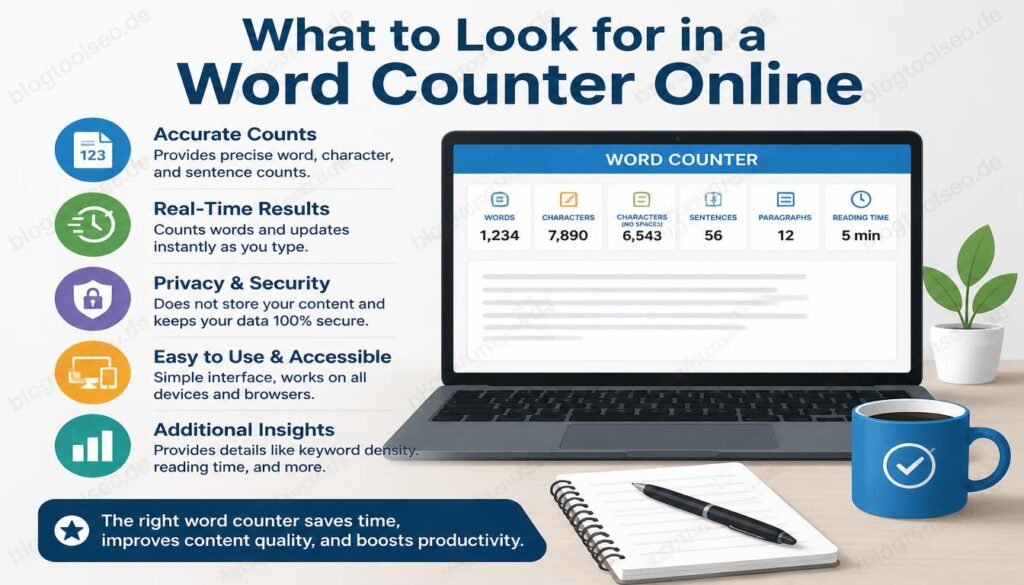
Not every word counter online is built the same way. A few things separate a genuinely useful one from a bare-minimum tool:
- Live counting as you type, not just on button click
- Multi-language accuracy, particularly for German, Chinese, and Hindi if you write in those languages
- No account required — a task this simple shouldn’t need a login
- Character-limit views for platforms with hard caps, like social media posts or meta descriptions
- No text storage — your draft shouldn’t be logged or retained just because you pasted it in to check a number
Frequently Asked Questions
What is a word counter? A word counter is a tool that counts words, characters, sentences, and paragraphs in a piece of text, giving instant results the moment you paste or type content into it.
How to show word count on Google Docs? Open Tools > Word count from the menu bar. To make it display continuously, check “Display word count while typing” in that same window, and a live counter will appear in the bottom-left corner of the page.
How to check the word count on Google Docs? Click Tools, then Word count — a pop-up shows total words, characters, and pages. On the mobile app, use the three-dot menu in the top-right corner instead.
What is the Common App essay word count limit? 650 words maximum, with a recommended minimum of 250. The platform enforces this cap directly and will not accept longer submissions.
Why do word counts differ between English and German translations? German frequently merges multiple words into a single compound word, so a German translation can show a noticeably lower word count than the English original while containing the same amount of content.
How is word count measured in Chinese, since there are no spaces? Most tools either count individual characters or use word segmentation to estimate word boundaries. Character count tends to be the more standard measurement in Chinese-language contexts.
Does a Hindi word counter work differently than an English one? It needs to correctly parse Devanagari conjunct characters and vowel signs (matras), which generic Latin-script tools sometimes miscount. A dedicated Hindi word counter handles this accurately.
Can I check the word count for just part of a Google Doc? Yes — highlight the section you want to check, then open Tools > Word count. It will show the count for your selection only.
Is a word counter online free to use? Yes, the vast majority require no sign-up or payment — you paste text in and get results immediately.
This guide is maintained and updated as tools and platforms change. If you spot something outdated, feel free to reach out thorugh our contact form.